In this post I will describe how you can get the login dialog to pop up when you are developing a windows desktop application.
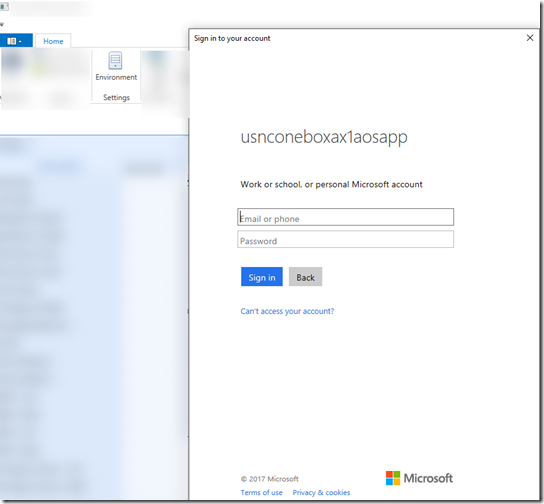
Below is an example of the dialog appearing.
Below is a sample code how to acquire the token.
string authorityUri = "https://login.windows.net/common/oauth2/authorize";
Uri redirectURI = new Uri("https://login.live.com/oauth20_desktop.srf");

AuthenticationContext authenticationContext = new AuthenticationContext(authorityUri);

AuthenticationResult authenticationResult = authenticationContext.AcquireTokenAsync(
   ClientConfig.Default.ActiveDirectoryResource,
   ClientConfig.Default.ActiveDirectoryClientAppId,
   redirectURI,
   new PlatformParameters(PromptBehavior.RefreshSession)).Result;
|
Add the redirect URI for https://login.live.com/oauth20_desktop.srf

Reference: https://docs.microsoft.com/en-us/rest/api/datacatalog/authenticate-a-client-app